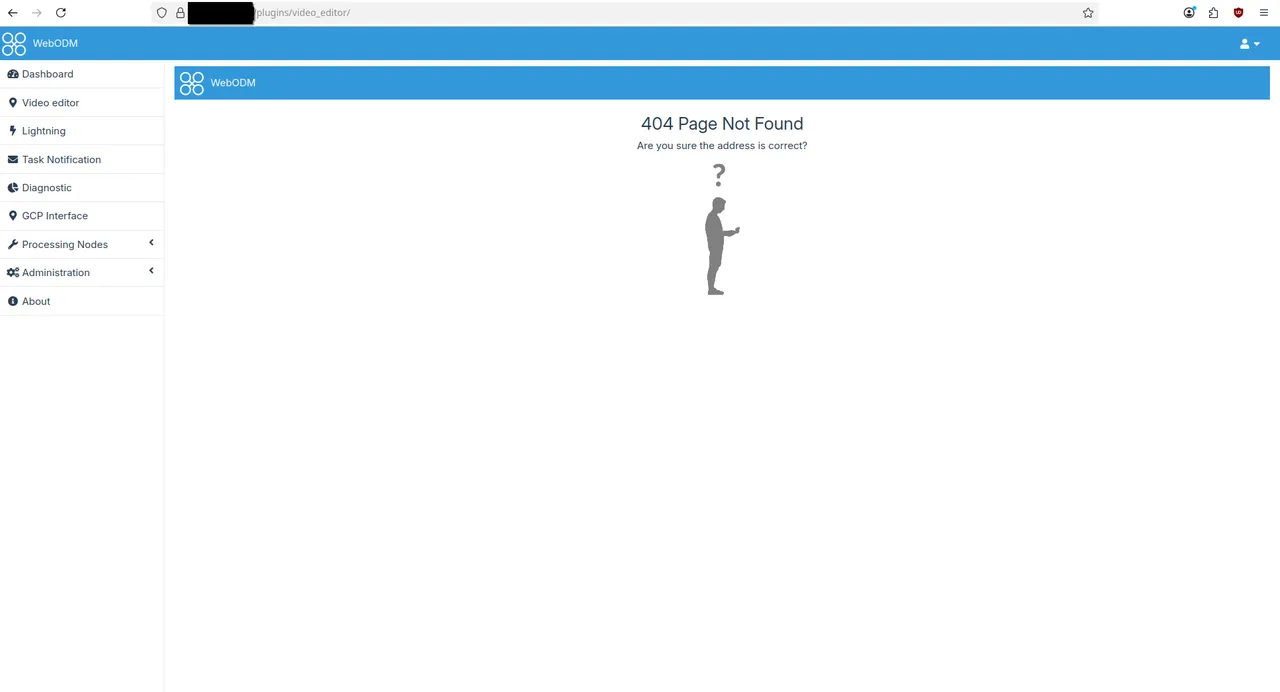
Hi,
I have developed a plugin for webodm that I would like to use on my production WEBOdm server.
The plugin works perfectly fine on my development machine, when starting the server using ./webodm.sh start --dev. The plugin's structure looks like this:
video_editor/
├── __init__.py
├── manifest.json
├── plugin.py
├── public
│   ├── Pilko-Frame-Capture-Studio
│   │   ├── assets
│   │   │   ├── Arcane - Come Play Series Trailer.mp4
│   │   │   └── Arcane - Come Play Series Trailer.srt
│   │   ├── CNAME
│   │   ├── favicon.ico
│   │   ├── index.html
│   │   ├── LICENSE
│   │   └── README.md
│   └── webpack.config.js
├── __pycache__
│   ├── __init__.cpython-39.pyc
│   └── plugin.cpython-39.pyc
└── templates
    └── app.html
I then zipped the plugin folder, and imported it on my production server. The import is successful and I can activate the plugin, but the files in the public folder on the plugin are placed inapp/media/plugins/video_editor/, where WEBODm is apparently unable to find them. When looking at the server logs or the browser's console, it appears that manifest.json andtemplates/app.html can be loaded, but not public/Pilko-Frame-Capture-Studio/index.html.
This is what is present on the server:
root@docker:/webodm/app/media/plugins# tree
.
|-- __init__.py
|-- __pycache__
|   `-- __init__.cpython-39.pyc
`-- video_editor
    |-- __init__.py
    |-- __pycache__
    |   |-- __init__.cpython-39.pyc
    |   `-- plugin.cpython-39.pyc
    |-- manifest.json
    |-- plugin.py
    |-- public
    |   |-- Pilko-Frame-Capture-Studio
    |   |   |-- CNAME
    |   |   |-- LICENSE
    |   |   |-- README.md
    |   |   |-- assets
    |   |   |   |-- Arcane\ -\ Come\ Play\ Series\ Trailer.mp4
    |   |   |   `-- Arcane\ -\ Come\ Play\ Series\ Trailer.srt
    |   |   |-- favicon.ico
    |   |   `-- index.html
    |   `-- webpack.config.js
    `-- templates
        `-- app.html
Could someone show me how to correctly import my plugin ?