
Is there a way to create 4 maps under one project and tile those together in the windows version. I tried to do all 11500 images in one map and it failed, but stupid me, I did not look at the log
Is there a way to create 4 maps under one project and tile those together in the windows version. I tried to do all 11500 images in one map and it failed, but stupid me, I did not look at the log
 Best answer
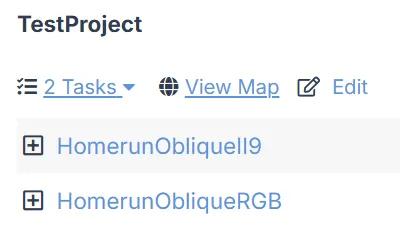
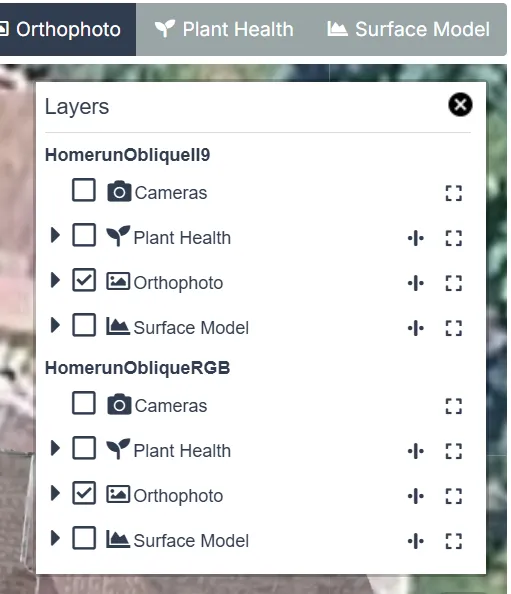
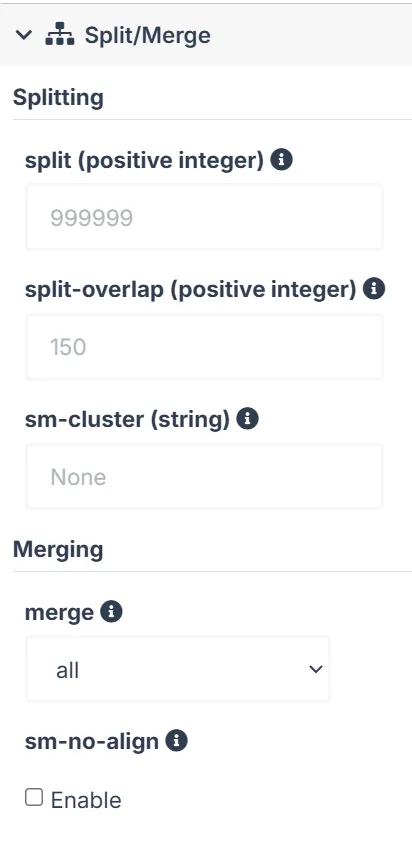
I'm not entirely sure what you mean, however if you click the "View Map" at the Project level it will open the map with the the Base Layers of the tasks available to enable/disable on the map as needed. Regarding the size, have you attempted to use the Split/Merge config under Task Options? They'll automatically split your model at the desired number and merge them together later into a single model and task.
This discussion happened in the WebODM community Discord. Join and ask your own question.
Join View Original ThreadThis page mirrors a public discussion from the WebODM Discord. How to request a removal.